
If you’ve been searching for information about MyPasokey, you’ve likely encountered conflicting descriptions, vague marketing claims, and a surprising lack of official product information. This comprehensive investigation examines whether MyPasokey is a legitimate password management solution or potentially misleading content designed to capture search traffic.
After thorough research and analysis, we’ll reveal what we found, explain the red flags, and provide you with verified alternatives that actually protect your digital security.
What Is MyPasokey Claimed to Be?
According to various articles ranking in search results, MyPasokey is described as either:
- A Single Sign-On (SSO) and Access Management Platform for enterprises, featuring SAML and OAuth integration
- A Consumer Password Manager with features like auto-fill, password storage, and multi-factor authentication
The fundamental problem? These are two entirely different product categories with different use cases, features, and target audiences. This immediate contradiction raises serious questions about the authenticity of the information available.
Our Investigation: What We Found
1. No Official Website or Product Page
The most glaring red flag: MyPasokey has no official website, company page, or downloadable product. Legitimate software products always have:
- An official domain (mypasokey.com or similar)
- Product documentation and support resources
- Pricing information and subscription plans
- Download links or signup pages
- Company information and contact details
Our search found only third-party blog posts with no links to an actual product or service.
2. Contradictory Product Descriptions
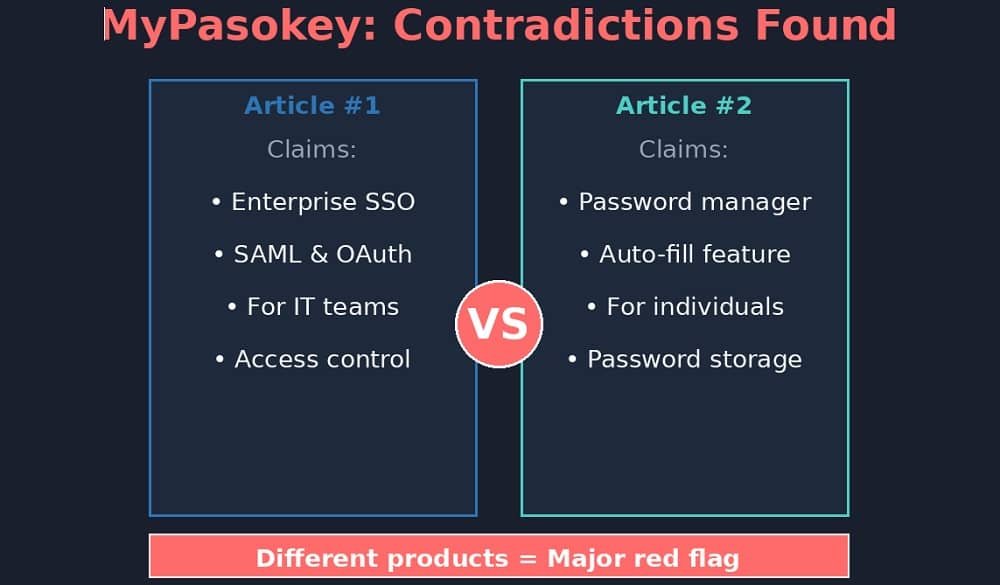
Different articles describe completely different products:
| Feature | Version 1 Claims | Version 2 Claims |
| Product Type | Enterprise SSO Platform | Consumer Password Manager |
| Target User | IT Teams & Organizations | Individual Users |
| Key Features | SAML, OAuth, Access Control | Auto-fill, Password Storage |
These aren’t minor variations—they describe fundamentally different software categories. Legitimate products don’t have this level of confusion in their marketing.
3. Generic, SEO-Focused Content
All articles about MyPasokey share concerning characteristics:
- Vague feature descriptions without technical specifics
- No screenshots, interface images, or visual proof
- Generic ‘success stories’ with no verifiable details
- Published on content mill websites covering unrelated topics
- Future publication dates (September and December 2025)
4. Zero Authentic User Reviews or Discussions
We searched extensively for genuine user feedback:
- No reviews on Trustpilot, G2, or Capterra
- No discussions on Reddit, Stack Overflow, or tech forums
- No app store listings (iOS, Android, Chrome Web Store)
- No mentions in cybersecurity or IT professional communities
Real software products, especially in security, generate organic discussions, questions, and reviews. The complete absence of these is telling.
Major Red Flags: Summary
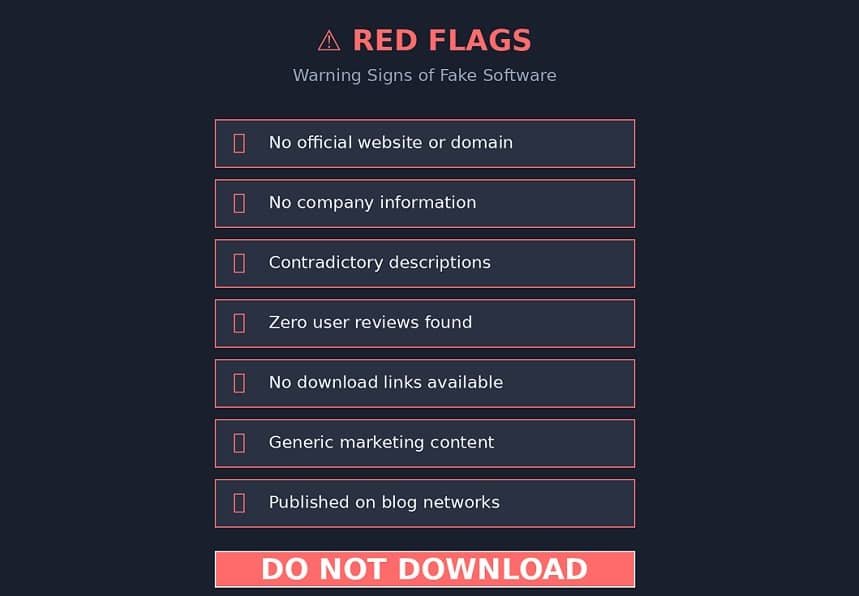
- No official website or company presence
- Contradictory product descriptions across sources
- No download links, pricing, or signup options
- Zero authentic user reviews or community discussion
- Content appears on generic blog networks, not tech sites
- No verifiable company information or team details
What MyPasokey Likely Is
Based on our investigation, MyPasokey appears to be:
SEO-Generated Content: Articles created to rank for password management-related keywords without offering a real product. This is a common tactic in affiliate marketing and ad revenue generation.
Non-Existent Product: There’s no evidence MyPasokey exists as an actual, downloadable, or purchasable software solution.
Potential Phishing Setup: While we found no active phishing attempts, fictional security products are sometimes used to capture user information or distribute malware. Exercise extreme caution.
Why This Matters for Your Security
Searching for password management solutions and encountering misleading content isn’t just frustrating—it’s potentially dangerous:
- Time Wasted: You spend time researching a product that doesn’t exist instead of finding real solutions
- Security Risks: If future malicious actors create fake MyPasokey downloads, people searching for it could install malware
- Delayed Protection: Every day without proper password management increases your vulnerability to breaches
- Misinformation: Content farms erode trust in legitimate security advice and product reviews
Verified Password Manager Alternatives (2026)
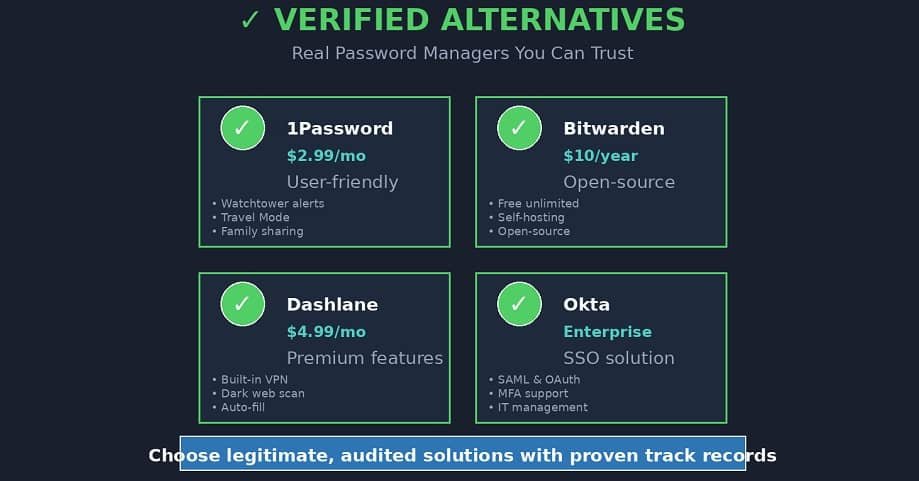
Instead of chasing non-existent products, consider these established, secure password managers:
1. 1Password
Best For: Individuals and families who want user-friendly security
- Established since 2005 with proven security track record
- Watchtower feature alerts you to compromised passwords
- Travel Mode hides sensitive vaults when crossing borders
- $2.99/month individual, $4.99/month family plan
Website: 1password.com
2. Bitwarden
Best For: Budget-conscious users and open-source advocates
- Free tier includes unlimited passwords and devices
- Open-source and independently audited
- Self-hosting option for complete control
- Premium: $10/year (yes, per year!)
Website: bitwarden.com
3. Dashlane
Best For: Users who want premium features and VPN included
- Built-in VPN for enhanced privacy
- Dark web monitoring for leaked credentials
- Intuitive interface with password health scoring
- $4.99/month personal, $7.49/month family
Website: dashlane.com
4. LastPass (Use with Caution)
Best For: Users already familiar with the platform
Note: LastPass experienced security incidents in 2022. While they’ve implemented improvements, consider alternatives if starting fresh.
- Free tier allows unlimited passwords (one device type)
- Business plans with SSO capabilities
- $3/month premium
Website: lastpass.com
5. Enterprise SSO Solutions
If you were specifically looking for enterprise SSO (as some MyPasokey articles suggested), consider:
- Okta: Industry-leading identity and access management (okta.com)
- Azure Active Directory: Microsoft’s comprehensive identity solution
- Auth0: Developer-friendly authentication platform (auth0.com)
- JumpCloud: Unified directory platform for remote organizations
How to Choose the Right Password Manager
When evaluating password management solutions, prioritize:
- Established Company: Look for products with years of operation, transparent ownership, and physical business addresses.
- Security Audits: Verify the company undergoes regular third-party security audits and publishes results.
- Encryption Standards: Ensure end-to-end encryption with AES-256 and zero-knowledge architecture (the company cannot access your master password).
- Active Community: Real products have active user forums, Reddit discussions, and responsive customer support.
- Transparent Incident Response: Evaluate how the company has handled past security incidents, if any.
- Cross-Platform Support: Confirm availability on all your devices (Windows, Mac, iOS, Android, browser extensions).
Warning Signs to Avoid
When researching security software, watch for these red flags that indicate potentially fake or malicious products:
- No official website or company contact information
- Exclusively positive reviews with no critical feedback
- Pressure tactics (‘Download now before this offer expires!’)
- Requests for unnecessary permissions during installation
- Vague or contradictory feature descriptions
- No app store presence (legitimate software is in official stores)
- Absence from industry reviews or cybersecurity publications
Frequently Asked Questions
Is MyPasokey safe to download?
We found no legitimate download source for MyPasokey. Any website offering MyPasokey downloads should be treated as potentially malicious. If you encounter download links, do not proceed and report them to your browser or security software.
Why do articles about MyPasokey rank so high in search results?
These articles likely employ SEO tactics (keyword optimization, backlinks, content length) to rank for password management queries. Search engine algorithms can’t always distinguish between authentic product reviews and fabricated content, especially for emerging keywords with low competition.
Could MyPasokey be a new startup that just launched?
Even brand-new startups have official websites, company registration details, founder information, and some form of working product or beta program. MyPasokey has none of these. Additionally, the contradictory descriptions and content mill publishing patterns strongly suggest this is not a legitimate startup.
What should I do if I already provided information to a MyPasokey site?
If you submitted credentials or personal information to any site claiming to be MyPasokey:
- Immediately change passwords for any accounts you entered
- Monitor your email and accounts for suspicious activity
- Consider placing fraud alerts with credit bureaus if you provided financial data
- Report the site to Google Safe Browsing and your antivirus provider
Are password managers really necessary?
Yes. With the average person having 100+ online accounts, reusing passwords is a major security risk. Password managers allow you to use strong, unique passwords for every account while only remembering one master password. They’re one of the most effective security tools available to individuals.
Conclusion: Protect Yourself with Verified Solutions
Our comprehensive investigation reveals that MyPasokey is not a legitimate password management product. The absence of an official website, contradictory descriptions, and complete lack of user community indicate this is SEO-generated content rather than a real software solution.
Your password security is too important to trust to unverified or non-existent products. Instead, choose from established password managers like 1Password, Bitwarden, or Dashlane—all of which have:
- Verified company information and transparent operations
- Regular security audits by independent third parties
- Active user communities and responsive support
- Proven track records protecting millions of users
- Clear pricing and feature documentation
Take Action Today
Don’t let misleading content delay your security improvements. Choose a verified password manager this week and start protecting your digital life. Your future self will thank you.
Last Updated: February 13, 2026
About This Investigation
This article was researched and written to help users understand the truth about MyPasokey and make informed security decisions. We have no affiliation with any of the recommended password managers and receive no compensation for these recommendations. Our goal is to provide accurate, helpful information in a landscape often cluttered with misleading content.
If you found this investigation helpful, please share it with others who might be searching for MyPasokey. Together, we can help more people avoid misleading content and find legitimate security solutions.

